
Introduction
The first result on Google grabs around a quarter of all clicks. By page two, almost nobody is left. That is why learning how to do effective SEO can be the difference between steady leads and silence.
SEO often feels messy: endless “must-do” tips, tools everywhere, and Google updates that seem to change the rules overnight. For agencies, in-house teams, and small businesses, it is easy to get stuck wondering what to do first.
This guide cuts through the noise. It walks through a repeatable SEO framework: keyword research, on-page SEO, technical SEO, link building, and tracking results. Whether you manage ten client sites or one growing brand, you will see how to do effective SEO in a simple, focused way that helps you move toward that #1 spot.
“SEO is a marathon, not a sprint.” — Phil Frost, Main Street ROI
H2 #1: Start With Keyword Research — The Foundation of Every SEO Win

Every strong SEO plan starts with one thing: knowing what people type into Google before they ever find you. Without keyword research, even the best content has no clear target, and ranking turns into guesswork.
Begin by spotting your search competitors:
Search Google for your main service or product terms.
Note who appears on page one.
Treat those sites as your SEO rivals, even if they are not direct business competitors.
SEO tools such as Ahrefs or SEMrush can show which keywords send traffic to those sites. This gives you a fast snapshot of what already works in your niche.
Next, build a master keyword list in a simple spreadsheet. Track:
Keyword
Monthly search volume
Difficulty or competition score
Priority level (1–3)
Content status (not started / in progress / live)
This single sheet keeps campaigns organized, especially when you handle several clients or brands.
Give extra attention to terms that:
Have decent search volume
Show lower competition
Reveal clear buying intent (often reflected in higher CPC in ad tools)
Then expand your list with long‑tail keywords using tools like Ubersuggest or AnswerThePublic. These longer phrases:
Are usually easier to rank for
Match very specific questions or needs
Often convert better because intent is clearer
To organize everything, build topic clusters. Create:
One broad pillar page (for example, a complete SEO guide)
Several shorter supporting posts that answer narrow questions around that topic
Internal links from supporting posts back to the pillar
This structure signals strong topical depth to Google and keeps readers exploring your site.
ContentStudio’s ContentIdeas tool can speed this whole step. Type in a keyword or niche and you will see trending, high‑engagement articles and topics. That makes it much faster to spot real search themes and content angles worth targeting, especially when you manage multiple clients.
“Keyword research isn’t about keywords; it’s about your audience.” — Rand Fishkin
H3: How to Map Keywords to User Intent
Every keyword carries a reason behind it, called search intent. Someone searching “what is SEO” wants to learn (informational), while “best SEO agency near me” shows a plan to hire (commercial or transactional). Matching content to that intent is key for long‑term rankings.
You can group keywords into four main types:
Informational — “how to do keyword research,” “what is technical SEO”
Navigational — “ContentStudio login,” “YouTube studio”
Commercial — “best SEO tools,” “ContentStudio vs Hootsuite”
Transactional — “buy SEO software,” “SEO agency New York”
Map each keyword type to the right page:
Informational terms → blog posts, guides, tutorials
Commercial terms → comparison pages, detailed service pages
Transactional terms → product or service landing pages
Navigational terms → homepage or key brand pages
When page type and intent align, visitors stay longer, bounce less, and send strong quality signals back to Google.
H2 #2: Master On-Page SEO Techniques to Rank Higher
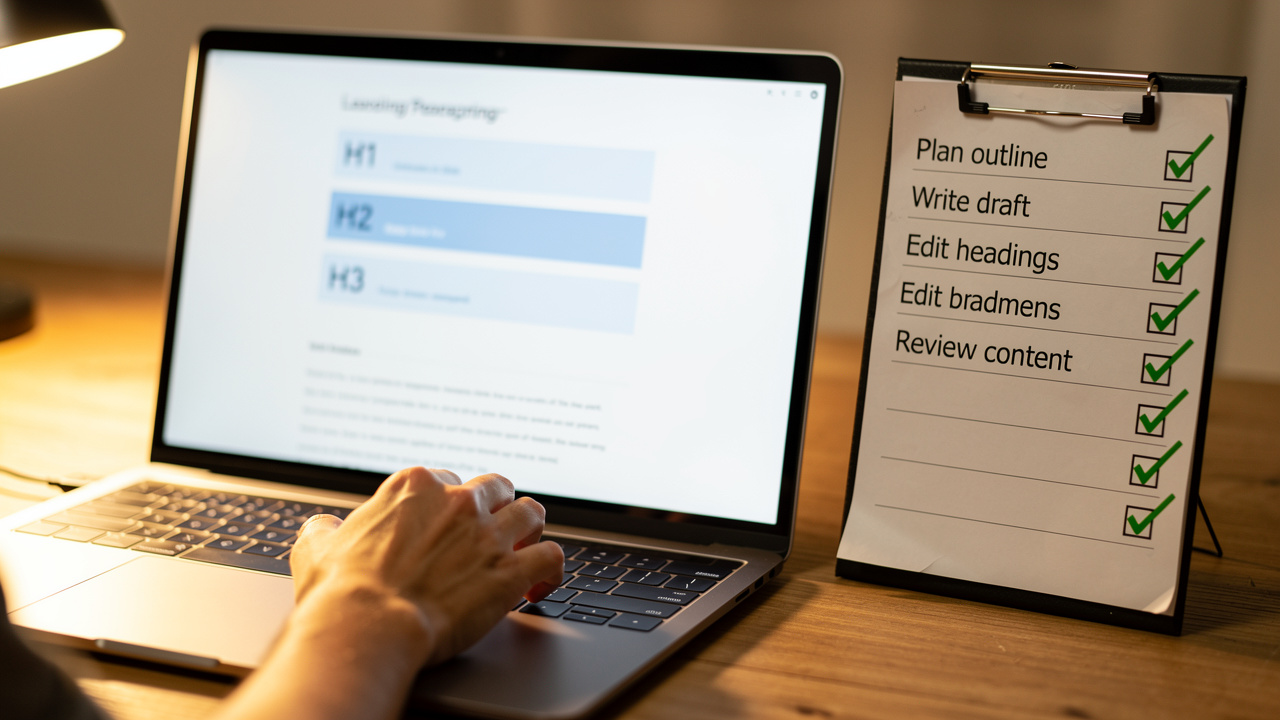
On-page SEO is everything you do on a single page to help both people and search engines understand it. It covers text, images, code, structure, and how easy the page is to read.
Start with smart keyword placement. Use your main keyword:
In the URL
In the title tag
In the H1 heading
In the first paragraph
Once near the end of the page
A few times in the body, along with close variants
Keep wording natural. Avoid repeating the exact phrase too often; that feels like spam and may hurt you.
Title tags and meta descriptions work like mini ads in search results:
Keep titles under about 60 characters
Include the primary keyword and your brand name where it fits
Write clear, benefit‑driven language (“increase organic traffic with…”)
Meta descriptions should be one or two punchy sentences that explain why someone should click. They do not change rankings directly, but a higher click‑through rate can nudge a page up over time.
Use heading tags (H1, H2, H3) to give your content a clear outline:
One H1 per page
H2s for main sections
H3s for subpoints
Inside each section, write short paragraphs and use bold or italics to highlight important phrases, such as core benefits, definitions, or action steps.
You can organize on-page work with a quick checklist:
Descriptive, keyword‑rich URL
Strong title tag and meta description
One clear H1 plus logical H2/H3 structure
Internal links to relevant pages
Outbound links to trusted sources (where helpful)
Optimized images and alt text
Readable layout with short paragraphs and some lists
Formatting also affects SEO. Short paragraphs, white space, and the careful use of lists keep people on the page longer. Internal links are another strong signal. In longer articles, aim for around ten or more internal links, pointing to related posts or service pages using descriptive anchor text like “social media content strategy” instead of “read more.”
Do not forget your images. Compress them, use WebP where you can, and always include clear alt text that describes what is in the picture. This supports accessibility, image search, and page speed. On some pages, adding structured data (schema), such as FAQ or review schema, can help your result stand out with rich snippets like stars or dropdown FAQs.
H2 #3: Build a Technical SEO Foundation That Search Engines Love

Technical SEO is the behind‑the‑scenes work that lets Google find, crawl, and understand your site with ease. Without this base, even excellent content can stay hidden.
First, create and submit a sitemap.xml file in Google Search Console so crawlers can see your important URLs. Use robots.txt to keep them away from login pages, test sites, or other areas that should not appear in search. Then review your site structure so:
Any page is no more than three or four clicks from the home page
Menus are clear
URL folders follow a logical pattern (for example,
/blog/seo/on-page-seo/)
Google also pays close attention to Core Web Vitals, which measure how fast and stable your pages feel.
| Metric | What It Measures | Target |
|---|---|---|
| LCP (Largest Contentful Paint) | Main content loading speed | Under 2.5 seconds |
| FID (First Input Delay) | Time before first interaction responds | Under 100ms |
| CLS (Cumulative Layout Shift) | How much the layout jumps | Under 0.1 |
To hit these targets, work through a simple speed checklist:
Compress and resize images; use WebP where possible
Turn on browser caching and Gzip compression at the server level
Minify HTML, CSS, and JavaScript
Use a CDN like Cloudflare so visitors load files from a nearby server
Mobile use now dominates search, so your site must be responsive. Test pages on phones and tablets, check font sizes, and make sure buttons are easy to tap. If some pages can be reached through several different URLs, add rel="canonical" tags to show Google which version should carry the ranking power.
“Fast websites make users happy, and happy users tend to convert.” — Greg Linden
H2 #4: Build Authority With Smart Link Building Strategies
Backlinks are links from other sites to yours, and they act like public votes. When trusted sites point to your content, Google sees that as a strong signal that your page deserves to rank near the top.
The most reliable way to earn links over time is to publish link‑worthy content, such as:
Long, practical guides
Original research and data studies
Detailed checklists and templates
Infographics and visual explainers
Free tools or calculators
When your page helps people do their job better or explains a topic more clearly than other pages, links often follow.
Active outreach speeds this up. Guest posting is one of the most dependable methods:
Find relevant blogs and publications in your niche.
Pitch article ideas that will help their audience.
Write a helpful post and include one or two natural links back to your content or service pages.
Broken link building is another smart play. Use SEO tools to find broken outbound links on strong sites in your niche. Then:
Create a fresher, stronger version of the missing resource on your site.
Reach out to the site owner with a short, polite email explaining the broken link and suggesting your content as a replacement.
You help them fix a problem while gaining a new link.
The Skyscraper Technique follows a similar logic:
Find a popular article with many backlinks.
Create a deeper, more current version on your own site.
Contact the people who linked to the original and show them your improved resource.
Promotion is the final piece. Share your best content in focused communities, social groups, newsletters, and with relevant influencers where your ideal readers already spend time. Always link with purpose; every internal or external link should make the page more helpful, not just tick an SEO box.
H2 #5: Track, Analyze, and Continuously Improve Your SEO Performance

SEO is not a one‑time task. To keep moving toward page one, you need to track what works, fix what does not, and repeat what brings results.
Google Search Console is your main control room. It shows:
Which queries bring impressions and clicks
Average position for each page
How often people click your result (CTR)
Indexing and crawl issues
If a page sits in position four but has a low click‑through rate, test a new title or meta description and watch for changes over a few weeks.
Track a small set of core metrics on a steady schedule:
Keyword rankings for your main terms
Organic traffic and impressions
Bounce rate and time on page
Conversions from organic visitors (leads, sales, sign‑ups)
For agencies, keeping these in a shared report makes it easier to align with clients on progress and next steps.
Plan a content and SEO audit every six to twelve months:
Compare your top pages with the top three competitors.
Check if their content is deeper, fresher, or better structured.
Review internal links, backlinks, and page speed.
Refresh or expand sections that fall short.
Build new links to important but underperforming pages.
At the same time, skip tactics that no longer matter. Meta keywords tags are ignored. There is no perfect keyword density or magic word count. Slight duplicate content on your own site can waste crawl budget but rarely causes a special penalty.
ContentStudio can support the tracking side of your SEO work. Its Social Media Analytics help you monitor organic impressions and social media engagement for content you share on social channels, which often rise before traffic jumps. Agencies can use white‑label reports to present these gains under their own brand, showing clients clear proof that their SEO and content plans are moving in the right direction.
“What gets measured gets managed.” — Peter Drucker
Conclusion
Learning how to do effective SEO does not have to feel confusing. When you break it into clear steps—keyword research, on‑page SEO, technical fixes, link building, and regular tracking—you get a practical system you can apply across every site you manage.
SEO rewards steady, focused work, not quick tricks. Pick one part of this five‑step framework to work on this week, then return to refine the others. Over time, these small moves stack into higher rankings and steady organic traffic.
Ready to make the content side of SEO easier to manage? ContentStudio’s ContentIdeas feature and analytics tools give you a faster way to find topics, create content, and watch performance from one place, so you can spend more time on strategy and less on busywork.
FAQs
Question 1 – How long does it take to see results from SEO?
Most sites start to see meaningful SEO results within six to twelve months. How fast this happens depends on your domain strength, how strong your competitors are, and how often you publish quality content. Early signs—such as more impressions, better crawl coverage, and small ranking jumps—often appear much sooner, so keep an eye on those.
Question 2 – What is the most important ranking factor on Google?
There is no single “most important” factor. Rankings come from a mix of content quality, backlinks, technical health, and user experience signals such as time on page and bounce rate. Google’s E‑E‑A‑T idea—experience, expertise, authoritativeness, and trustworthiness—describes what high‑ranking content tends to show, even though it is not a direct score.
Question 3 – Can I do SEO myself, or do I need an agency?
Many beginners and small business owners can handle the basics of SEO using free tools like Google Search Console and Google Analytics. An agency becomes helpful when you manage several sites, face heavy competition, or run into deeper technical issues. Tools like ContentStudio’s ContentIdeas make self‑managed content SEO much easier and faster.
Question 4 – What is the difference between on-page and off-page SEO?
On-page SEO covers everything you control on your site: content, title tags, meta descriptions, headings, internal links, and page speed. Off-page SEO refers to actions away from your site, such as backlinks, social sharing, and brand mentions. You need both, because on-page work tells Google what you offer, while off-page signals show how trusted your site is.